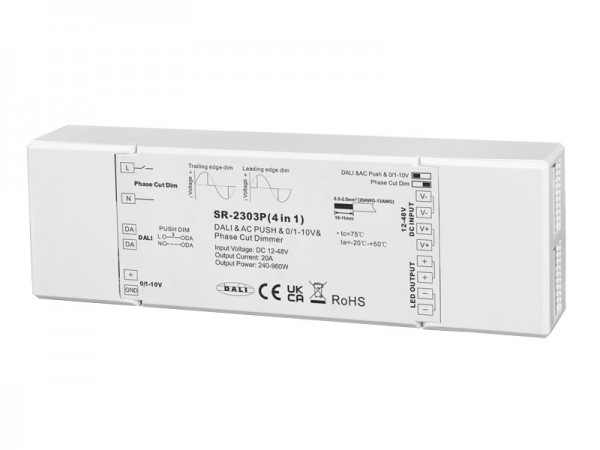
SR-2421-ZG
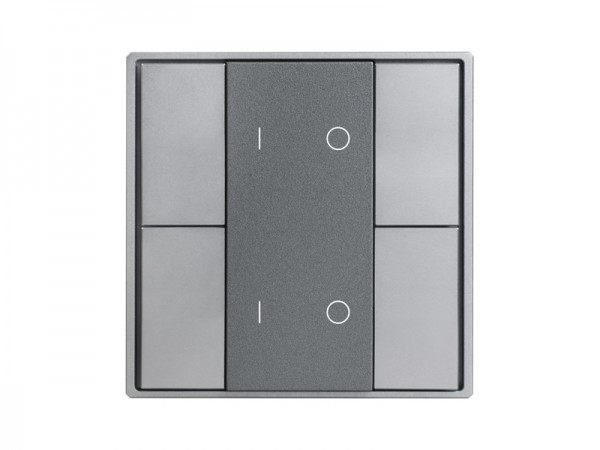
SR-2422NK4-DIM-G2
DALI Push Button



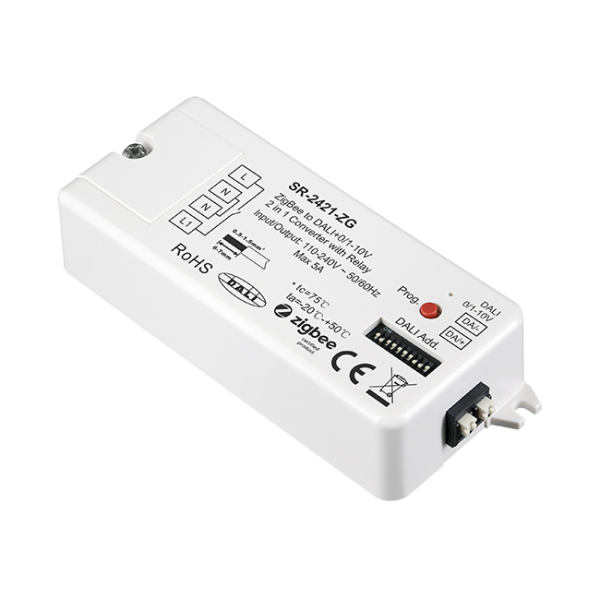
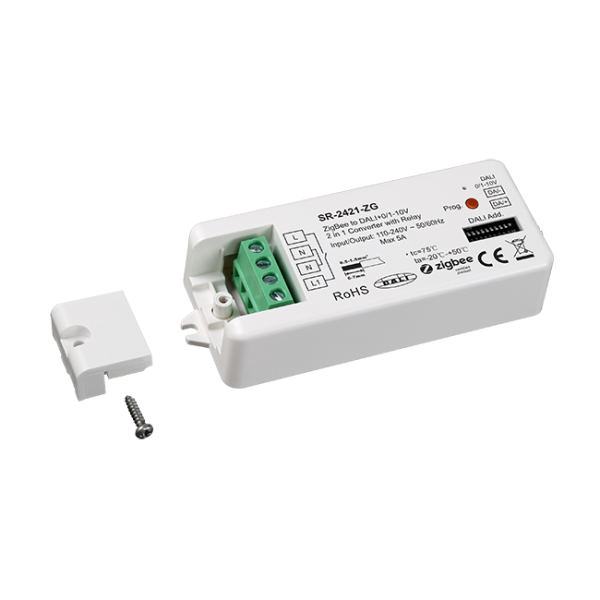
Specifications
| Part No. | Input Voltage | DALI Output | 0/1-10V Output | Relay Output | Dimension (mm) |
|---|---|---|---|---|---|
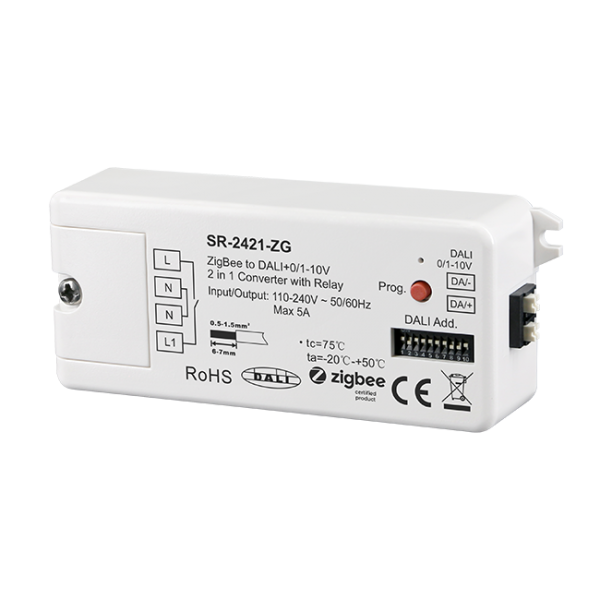
| SR-2421-ZG | 110-240VAC | Max. 50mA | Max. 20mA | 5A | 80x36x20.5 |
Wiring Diagram
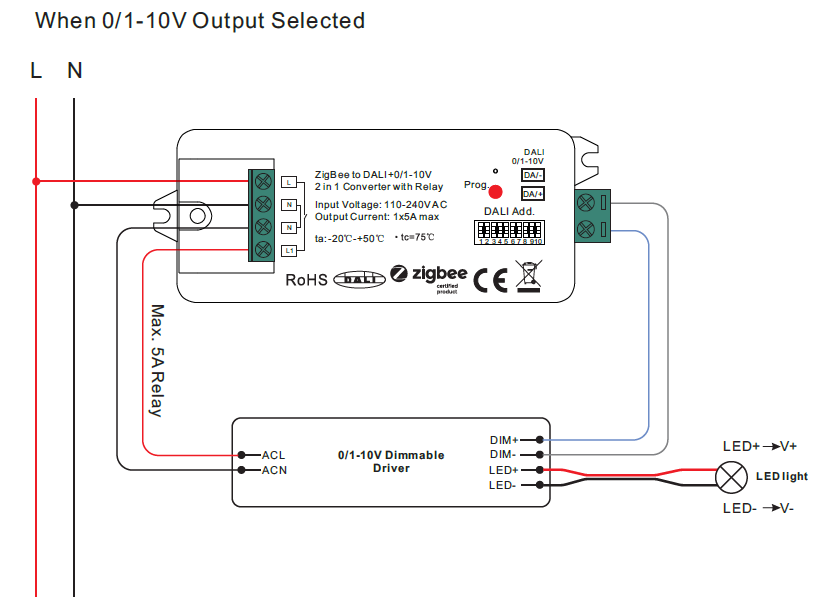
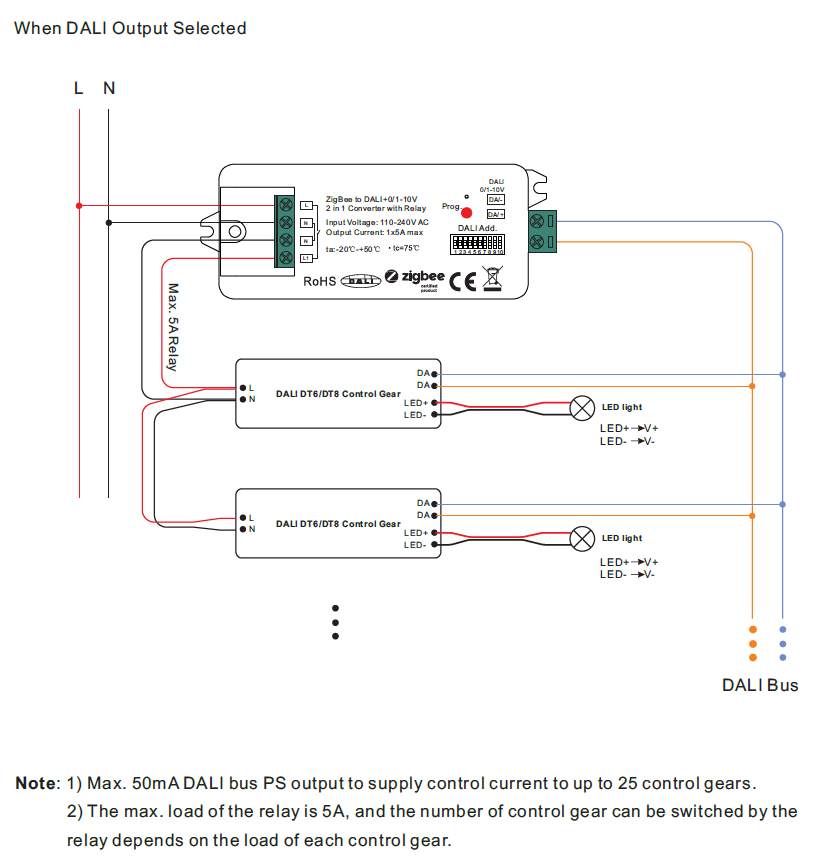
SR-2421-ZG is a Zigbee DALI interface & Zigbee 0-10V/1-10V interface that receives Zigbee signal and can be controlled through universal Zigbee gateways and Zigbee remotes. This Zigbee DALI interface is designed based on Zigbee 3.0 which ensures high interoperability with other manufacturers’ Zigbee systems. The controller converts the wireless signal to DALI and 0-10V/1-10V. The DALI mode or 0-10V/1-10V mode can be selected through dip switch. Under DALI mode, It is a DALI controller powered by 100-240VAC and with 50mA DALI bus power output to control up to 25 DALI control gears. The wilress DALI controller is ultra powerful to control DALI DT6, DT8 tunable white, DT8 XY coordinate, DT8 RGBWAF control gears and can be compatible with DALI control gears from other manufacturers.
This bluetooth DALI controller enables to select and control designated DALI group/address on DALI line. Dip switches are used to set the DALI group/address number to be controlled.Total 16 groups or 64 addresses can be selected. It also can control all devices on DALI line via broadcast. It works standalone with built-in DALI power supply and no need to connect to an extra DALI PS.
Under 0-10V/1-10V mode, the controller coverts Zigbee signal to 0-10V or 1-10V signal to control the 0/1-10V dimmable loads with 0-10V or 1-10V dimming interface. In addition, it is designed with 5A relay output to switching the power of controlled control gears to save standby power consumption.
The Zigbee to DALI and 0-10V/1-10V controller is with flexible control options including smart APP, Zigbee remote controls. In addition, It supports the new zigbee green power feature, and can bind to and be controlled by max. 20 zigbee green power switches directly without zigbee hub or gateway.
Key Features